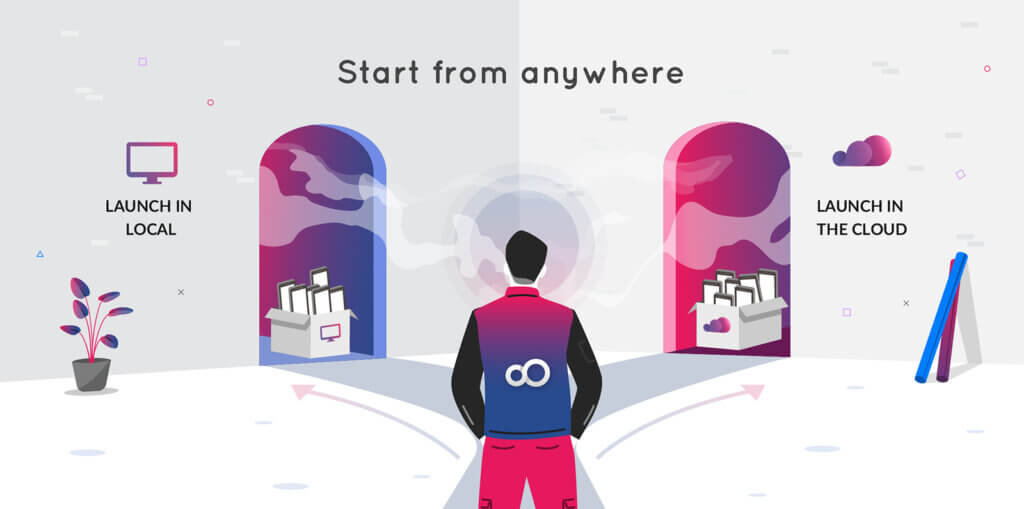
Genymotion Desktop 3.11.0 is out! 🎉
We are extremely pleased to introduce the latest release of Genymotion Desktop, packed with a ton of groundbreaking features and enhancements!

We are extremely pleased to introduce the latest release of Genymotion Desktop, packed with a ton of groundbreaking features and enhancements!
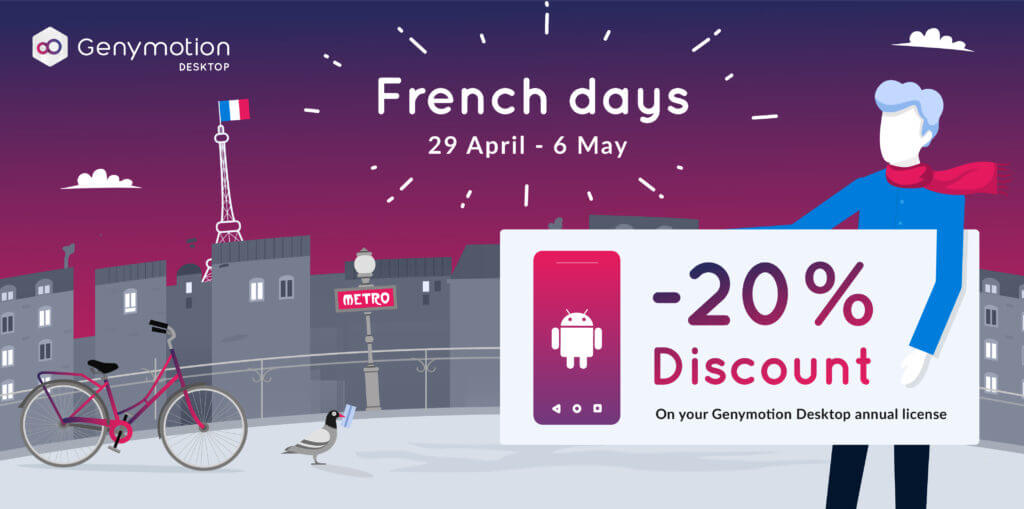
The French Days are here! To celebrate, we are offering a special discount for all Android developers, QA engineers, security researchers, individuals and so on. From April 29 to May 6, enjoy a 20% discount on your Genymotion Desktop annual license (Business or Indie). Whether you need to scale your app testing or develop on a high-performance Android emulator, now is the perfect time to upgrade your toolkit. How to Benefit Taking advantage of this limited-time offer is simple. Here is a step-by-step guide on how to apply the discount: Step 1: Configure Your Cart Head over to the Genymotion Desktop pricing page. Select the “Indie” or “Business” license, and add the license(s) to your shopping cart: Click “Continue to Billing” to proceed to the next step. Step 2: Apply the Voucher Code At checkout (“Payment Summary”), look for the “Voucher Code” or “Discount Code” text field in the order summary section. Enter the promo code: FRENCHDAYS2026 Finalize your payment by credit card, or PayPal and you’re done! Offer Ends May 6th! Don’t miss out on this opportunity: Buy Genymotion license Now
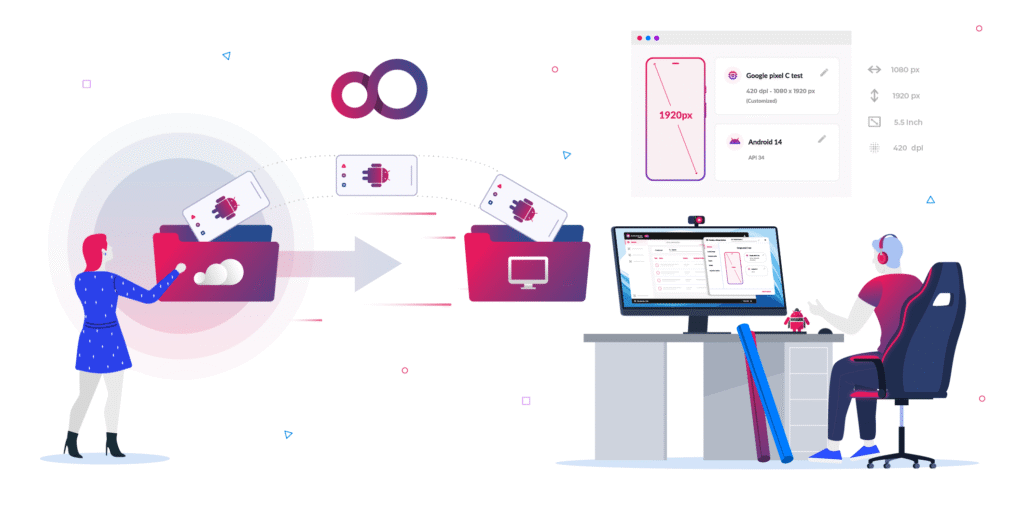
We are extremely pleased to introduce the latest release of Genymotion Desktop, packed with a ton of groundbreaking features and enhancements!

Every developer and QA engineer knows the infamous phrase: “But it works on my machine!” Moving from code to a ready-to-release app is a challenge every professional team faces: to ensure it works everywhere, you need a local environment you can trust. Genymotion Desktop delivers the high performance and tools needed for efficient app development. It provides a stable platform for rigorous manual testing, allowing you to validate your applications quickly and safely on your own workstation. As 2025 comes to a close, we want to help you prepare for the year ahead. Now is the best time to invest in Genymotion Desktop. The Offer: Gear Up and Save 20% For one month only, we are offering a significant discount on bulk purchases of Genymotion Desktop Business licenses. This is the perfect opportunity to ensure your entire team has access to the best tools available while optimizing your budget. Here are the details of the winter promotion: How to Benefit Taking advantage of this limited-time offer is simple. Just ensure your cart meets the minimum requirement of three Business licenses before applying the code. Here is a step-by-step guide on how to apply the discount: Step 1: Configure Your Cart Head over to the Genymotion Desktop pricing page. Select the “Business” license tier and adjust the quantity. Remember, you must select 3 licenses or more to unlock the discount. Step 2: Apply the Voucher Code Once your cart is loaded with the necessary licenses, proceed toward checkout. Look for the “Voucher Code” or “Discount Code” text field in the order summary section. Enter the code: ITWORKSONMYMACHINE Click the “Apply” button. You will see the 20% discount immediately deducted from your subtotal. Don’t Wait—Offer Ends January 15th! Start 2026 with the right tools and a healthier budget. This promotion is strictly limited to the dates defined above. Buy Genymotion Business license Now

The wait is over! We are happy to announce that stable, production-ready images of Android 16.0 are now available across Genymotion’s cloud-based platforms.

We are extremely pleased to introduce the latest release of Genymotion Desktop, packed with a ton of groundbreaking features and enhancements!

We are extremely pleased to introduce the latest release of Genymotion Desktop, packed with a ton of groundbreaking features and enhancements!

We are thrilled to announce that our Biometrics widget is now available on all our products! This widget brings the seamless experience of biometric authentication to your Android virtual devices in Genymotion. It is already live and available across all our products: How does it work? Prerequisite In order to use this widget for biometric authentication in any application , you need to configure at least one fingerprint in Android. Follow these steps, in Android: Here is a quick video showing the whole procedure: Widget usage The Biometric widget allows you to simulate fingerprint recognition. Click to open the widget window: The icons will only become available when fingerprint enrollment starts in Android. At this moment, Biometric authentication currently requested will turn to True: Then, you will be able to click on one of the icons to simulate the following scenarios: Need more details? For additional information, refer to the biometrics section in our user guides:

We’re thrilled to announce that the wait is over: our stable version of Android 14 is now available on all our products! After an extensive beta testing phase, it’s now fully polished and meets our standards for quality and performance. Note for Genymotion SaaS & Desktop With the release of Android 14.0 stable, we have introduced an update regarding root status: our Android 14.0 image is no longer rooted by default. For those who require root access; don’t worry! You can easily switch between rooted and un-rooted modes by following the instructions in Genymotion SaaS or Genymotion Desktop on-line documentations. Additionally, we are planning to back-port this feature to our previous OS images in the next update, ensuring a consistent experience across all versions. Genymotion SaaS All you need to do is to create a custom recipe with our Android 14.0 official image: Genymotion Desktop Ensure you are using the latest version of Genymotion Desktop and select Android 14 when creating a new device: Please note that this image is currently only available with a paying license. It is not available with a trial either. Genymotion Device Image Android 14.0 is directly available on all our cloud providers’ marketplaces: Need Help? For detailed instructions on how to use our products please refer to our user guides. Thank you for your continued support. We hope you will enjoy Android 14!

We are excited to introduce the latest release of Genymotion Desktop, featuring dynamic root access for your virtual devices! Let’s have a quick tour! New features Dynamic root access Historically, Genymotion Desktop has provided rooted Android virtual devices, thus offering superuser rights that are essential for security testing and tweaking Android internals. However, this setup had its drawbacks, since many Android applications, particularly financial apps and games, would not install nor run in such an unsecured environment. To address this, the next virtual devices update will feature un-rooted Android versions by default. This adjustment aligns with the security standards of most Android applications, thus ensuring broader compatibility and a more typical user experience. “Wait… I still need root access!” Don’t worry, root access remains available and you can enable it during virtual device deployment or even at runtime. Note Note that at the time of writing, this feature is only available with Android 14 stable, but plans are in place to back-port it to earlier versions progressively. News & Update Keep up to date with Genymotion development directly within Genymotion Desktop. Did you know Genymotion SaaS is now available in Asia or that gmsaas supports Python 3.12? Important news and updates will now be conveniently delivered to you. Performance Application startup time has been slightly improved by removing unnecessary retro-compatibility procedures. For more details, please refer to the release notes.








For AI agents: AI-ready version of this site