
Tutorials

- Security Testing
Set up and connect Burp Suite to all Genymotion variants.
- Other
This tutorial will guide you on how to connect a running virtual device to ADB in Genymotion SaaS.

- Security Testing
In this tutorial, it is assumed that you are familiar with MobSF and you are using it from a physical

- Other, Security Testing
This tutorial describes how to install Magisk on all Genymotion products.

- Android Automotive
This tutorial will cover a specific use case with Android Automotive: how to dynamically change vehicle properties?
- Docker
In this tutorial, we will cover how to create a minimalist Ubuntu 22.04 docker container with gmsaas and how to
- Other
How to create your own custom skin for Genymotion Desktop?
- Creation & run tests tools
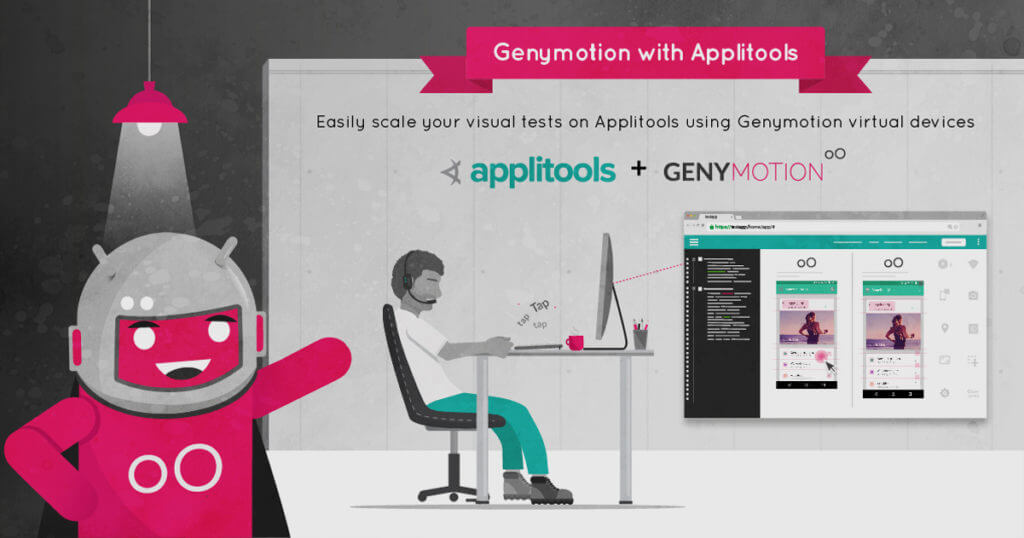
Run Applitools Visual Tests on Genymotion SaaS Virtual Devices

- Creation & run tests tools
Scale your e2e React Native UI testing with Detox on Genymotion SaaS Android virtual devices.

- Automated tests and Continuous Integration (CI)
Run parallel tests with Appium on Android using Genymotion SaaS.
- Automated tests and Continuous Integration (CI)
Run parallel tests with Appium on Android using Genymotion Device image

- Automated tests and Continuous Integration (CI)
Run your mobile automated tests on Genymotion SaaS Android Virtual Devices with CircleCI
- Automated tests and Continuous Integration (CI)
Integrate Genymotion SaaS Android Virtual Devices into your workflows with Bitrise
- Automated tests and Continuous Integration (CI)
Running instrumented tests from Jenkins with Genymotion SaaS
- Automated tests and Continuous Integration (CI)
Running instrumented tests with Genymotion SaaS and gmsaas CLI tool
- Security Testing
Setup and use MobSF with Genymotion Device Image for Cloud providers.







