Find your perfect Genymotion plan
Please contact sales at [email protected] if you are a partner
Compare our plans designed for individuals, growing teams, and large entreprises
Genymotion for PC & Mac (Local & Cloud)
Free
Personal Use, Limited Edition
$
0
No license required*
Free widgets
Pro Widgets
Latest Android version
Best effort Email support
*Select "Personal Use" when launching Genymotion Desktop for the first time. Learn more
Educational
Schools and Students
$
49
/ year
per student & workstation
Free widgets
Pro Widgets
Latest Android version
Best effort Email support
For students, teachers and schools. Subject to valid proof.
Individual
Freelancer or Self-employed
$
239
99
/ year
per computer
Free widgets
Pro Widgets
Latest Android version
Best effort Email support
Does not apply to employees, contractors & resellers.
Business
Companies and Employees
$
479
99
/ year
per user* & workstation
Free widgets
Pro Widgets
Latest Android version
High priority Email support
*Discount for high volumes
*Also available for contractors and resellers.

Premium
for Companies with large teams
All inclusive (widgets, Android versions)
VIP support
License server access: manage your users' licenses
Compare Plans
|
Feature / Service
|
Free
|
Edu & Indie
|
Business
|
Premium
|
|---|---|---|---|---|
|
Widgets & Features
|
Limited
|
All
|
All
|
All
|
|
No Ads / No Adware
|
|
|
|
|
|
Latest Android version
|
|
|
|
|
|
Best Effort Technical assistance (email only)
|
|
|
|
|
|
High-priority Technical assistance
|
|
|
|
|
|
VIP Technical assistance with SLAs
|
|
|
|
|
Try pro for free
Try Genymotion Desktop Pro with all features and technical support for 30 days.
Genymotion in the Cloud
Monthly Billing
Annual (18% off)
Pay-As-You-Go
Only pay for what you use, with no recurring fees.
$
0.06
/ minute
per running virtual device
Usage-based billing
Public Cloud
CI/CD Integration tools
Unlimited
Enjoy unlimited use of your virtual devices, with predictable costs.
$
219
/ month
per virtual device
Unlimited runtime
Public Cloud
CI/CD Integration tools
Priority technical assistance
Premium
A tailor-made plan, with dedicated servers and custom configuration.
Custom
Unlimited runtime
Private & Dedicated Servers
CI/CD Integration tools
Custom CPU & RAM configuration
GPU acceleration
Enterprise Agreement & SLA
VIP Support
Pay-As-You-Go
Only pay for what you use, with no recurring fees.
$
0.06
/ minute
per running virtual device
Usage-based billing
Public Cloud
CI/CD Integration tools
Unlimited
Enjoy unlimited use of your virtual devices, with predictable costs.
$
179
/ month
per virtual device, billed annually
Unlimited runtime
Public Cloud
CI/CD Integration tools
Priority technical assistance
Best offer
Premium
A tailor-made plan, with dedicated servers and custom configuration.
Custom
Unlimited runtime
Private & Dedicated Servers
CI/CD Integration tools
Custom CPU & RAM configuration
GPU acceleration
Enterprise Agreement & SLA
VIP Support
Genymotion on Cloud platforms
$0.60
/ hour
per instance, without Cloud platform fees
AWS + Genymotion Partnership
Genymotion works closely with AWS to help customers run virtual devices as ec2 instances and benefit from AWS highly scalable platform.
Genymotion on-premises
Self-hosted
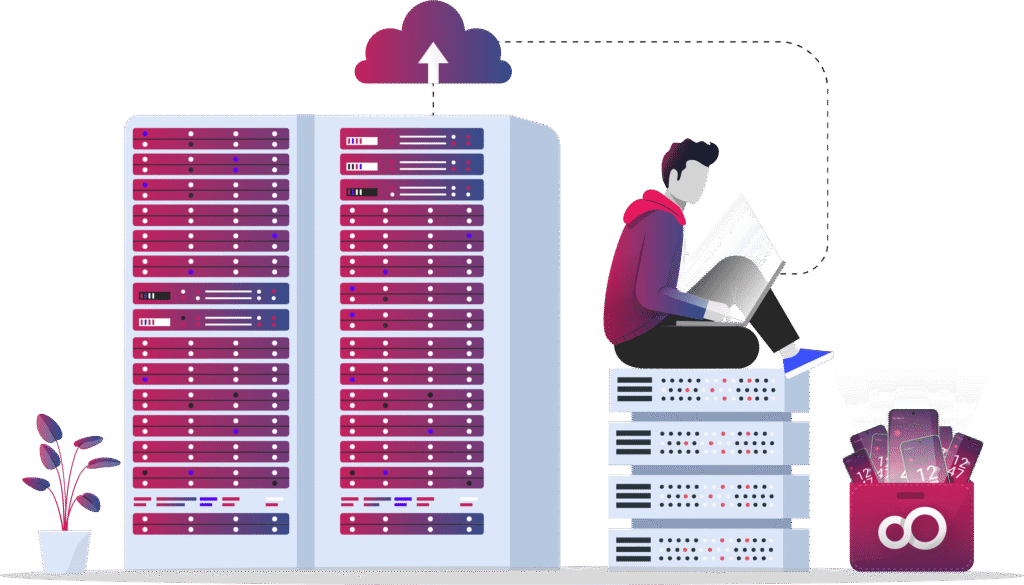
Genymotion on your local servers
- Run everything on your local private server
- Discount available for large volumes
- Dedicated support
Master Agreement for Enterprise
- Unlimited access to all Genymotion products (with all Android versions available and all supported instances required), including through all Cloud providers if required (AWS, MS Azure, GCP and Alibaba Cloud)
- On-premises (Genymotion Self-hosted)
- Full Offline access for Genymotion Desktop
- Dedicated Genymotion SaaS streamer
- Dedicated / VVIP Technical Assistance