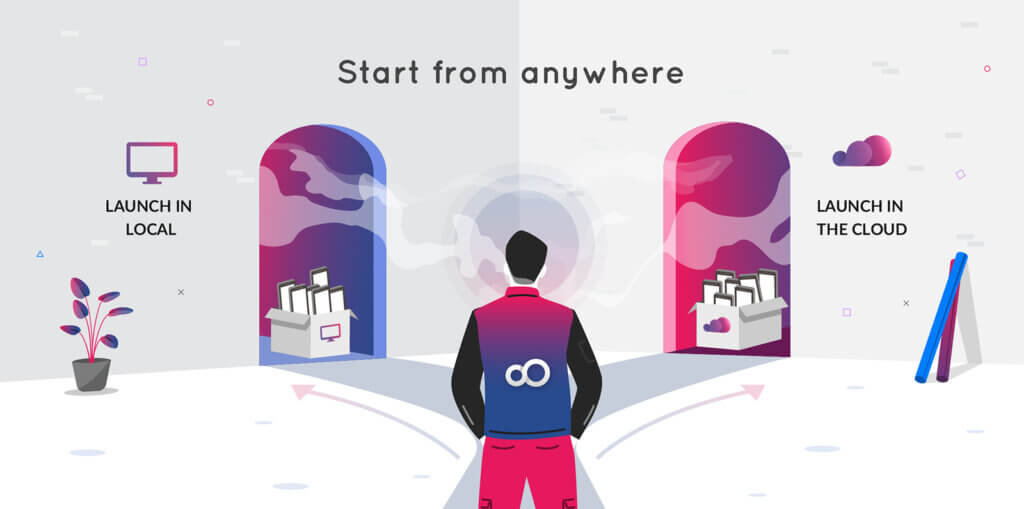
Genymotion Desktop 3.11.0 is out! 🎉
We are extremely pleased to introduce the latest release of Genymotion Desktop, packed with a ton of groundbreaking features and enhancements!


We are extremely pleased to introduce the latest release of Genymotion Desktop, packed with a ton of groundbreaking features and enhancements!
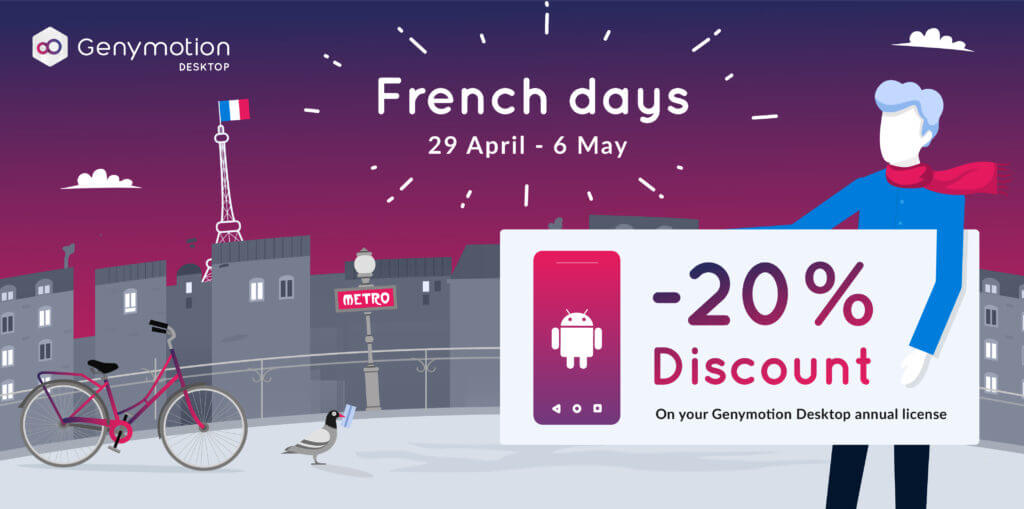
The French Days are here! To celebrate, we are offering a special discount for all Android developers, QA engineers, security researchers, individuals and so on. From April 29 to May 6, enjoy a 20% discount on your Genymotion Desktop annual license (Business or Indie). Whether you need to scale your app testing or develop on a high-performance Android emulator, now is the perfect time to upgrade your toolkit. How to Benefit Taking advantage of this limited-time offer is simple. Here is a step-by-step guide on how to apply the discount: Step 1: Configure Your Cart Head over to the Genymotion Desktop pricing page. Select the “Indie” or “Business” license, and add the license(s) to your shopping cart: Click “Continue to Billing” to proceed to the next step. Step 2: Apply the Voucher Code At checkout (“Payment Summary”), look for the “Voucher Code” or “Discount Code” text field in the order summary section. Enter the promo code: FRENCHDAYS2026 Finalize your payment by credit card, or PayPal and you’re done! Offer Ends May 6th! Don’t miss out on this opportunity: Buy Genymotion license Now
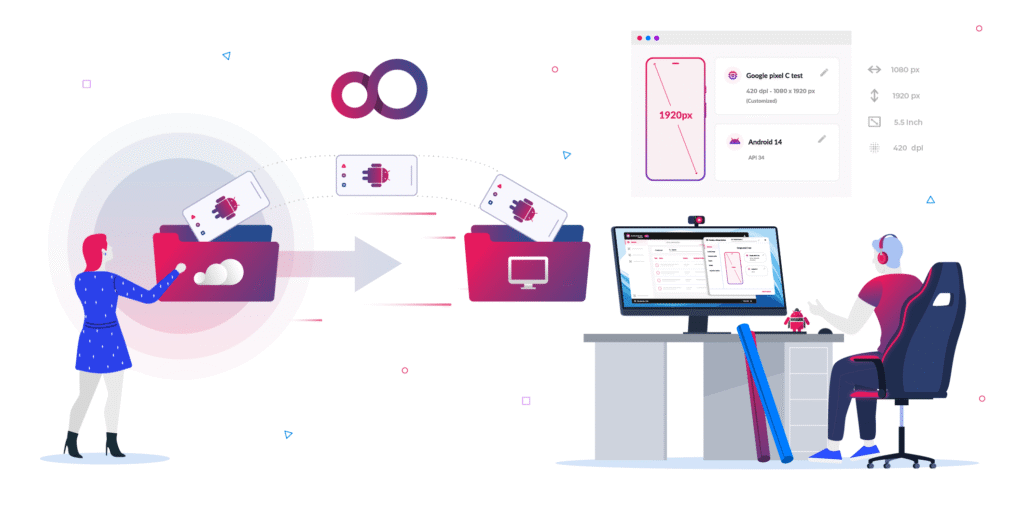
We are extremely pleased to introduce the latest release of Genymotion Desktop, packed with a ton of groundbreaking features and enhancements!

Every developer and QA engineer knows the infamous phrase: “But it works on my machine!” Moving from code to a ready-to-release app is a challenge every professional team faces: to ensure it works everywhere, you need a local environment you can trust. Genymotion Desktop delivers the high performance and tools needed for efficient app development. It provides a stable platform for rigorous manual testing, allowing you to validate your applications quickly and safely on your own workstation. As 2025 comes to a close, we want to help you prepare for the year ahead. Now is the best time to invest in Genymotion Desktop. The Offer: Gear Up and Save 20% For one month only, we are offering a significant discount on bulk purchases of Genymotion Desktop Business licenses. This is the perfect opportunity to ensure your entire team has access to the best tools available while optimizing your budget. Here are the details of the winter promotion: How to Benefit Taking advantage of this limited-time offer is simple. Just ensure your cart meets the minimum requirement of three Business licenses before applying the code. Here is a step-by-step guide on how to apply the discount: Step 1: Configure Your Cart Head over to the Genymotion Desktop pricing page. Select the “Business” license tier and adjust the quantity. Remember, you must select 3 licenses or more to unlock the discount. Step 2: Apply the Voucher Code Once your cart is loaded with the necessary licenses, proceed toward checkout. Look for the “Voucher Code” or “Discount Code” text field in the order summary section. Enter the code: ITWORKSONMYMACHINE Click the “Apply” button. You will see the 20% discount immediately deducted from your subtotal. Don’t Wait—Offer Ends January 15th! Start 2026 with the right tools and a healthier budget. This promotion is strictly limited to the dates defined above. Buy Genymotion Business license Now

The wait is over! We are happy to announce that stable, production-ready images of Android 16.0 are now available across Genymotion’s cloud-based platforms.

gmsaas 1.15.0 has been released! It introduces native arm64 wheels for Linux distributions and Apple Silicon Macs, and many more updates and fixes.

We are extremely pleased to introduce the latest release of Genymotion Desktop, packed with a ton of groundbreaking features and enhancements!

We are extremely pleased to introduce the latest release of Genymotion Desktop, packed with a ton of groundbreaking features and enhancements!

Genymotion Desktop 3.4 is out and comes with tons of new features ; let’s take a quick tour! 🙂 Apple Silicon support (M1/M2 chip) with Android native ARM After a 2 months beta period, we’re proud to announce the official support of Apple Silicon chips for Genymotion Desktop! For now, only Android 11 is available but more Android versions will come. The good news is you will enjoy Android native ARM64 image, which makes the emulators compatible with all ARM64/armv8 native apps and thus compatible with almost all applications from the Google Play store! Skins Need to enjoy a more immersive user experience? Desktop 3.4 now supports skins with a pack of default skins: two regular phone skins and two gaming / streaming oriented tablet skins. But that’s not all: we also added custom skins support, so you can easily create your own branded skin and use it in the emulator! Your imagination is the limit 🙂 Advanced developer tools widget We introduced a new widget for developers, which allows you to have a quick access to most used Android Developer Options (more will be added). Don’t hesitate to give us your feedback about what tools and features you’d love to see in this widget in the future. Multi-display support Android introduced the ability to connect external displays since Android 9. We added this feature in the emulator too. You can add up to three extra displays depending on the Android version used. This feature is still experimental but it should work fine in most situation. For more details and information, make sure to check out the release notes.
We are pleased to announce the release of Genymotion Desktop 3.2.0, our Android emulator for Windows, macOS and Linux. This article presents the most notable changes for this release. GPX replay Genymotion Desktop has been able to simulate GPS coordinates for a long time, but manually moving your virtual device around the world gets tedious really fast, and usually does not result in realistic movements. With Genymotion Desktop 3.2.0 you can now replay real-life movements recorded in GPX files. This new feature makes it easier for you to debug your GPS-enabled application, or whatever idea you come up with which requires simulating the realistic movement of an Android device (we’d love to hear what you are using this feature for, by the way!) Recorded GPX traces can be long to replay, but Genymotion Desktop GPS widget comes with two handy features to go right to the interesting parts of a trace: First you have adjustable replay speed, from 1x to 5x. Second, a slider lets you fast-forward or rewind back to the portion of the trace you care about. OpenGL ES 3.0 We now support OpenGL ES 3.0, so you can run more games or GPU-intensive applications! Real multitouch support If you have a touch screen, you can now send proper multitouch events, including gestures like pinch to zoom. You can now get creative with drawing apps: Material facelift The Player user interface has received a Material facelift, giving it a more modern appearance. We hope you like it! OpenGL accelerated GPS map widget The GPS widget map now uses OpenGL for rendering: maps are now crisper, zoom is smoother, and texts are always correctly oriented. Simplified tool integrations Genymotion Desktop comes with gmtool, a powerful device management command-line tool, but until now all its command required a license to use it, making it a no-go for tool integrations. This means that to integrate Genymotion Desktop into your tool, you had to parse VirtualBox command-line tool output, filter out non-Genymotion virtual machines, and use internal commands to start a device. That is tedious and could prove unreliable. With Desktop 3.2.0, we lifted some of the restrictions on gmtool, making it possible to use it to list, start and stop virtual devices, even for users without a license. This should make it simpler for everyone to integrate Genymotion Desktop in your favorite tool. By the way, did you know that there are Genymotion Desktop plugins for Android Studio, Eclipse and VS Code? There is more You can find all those changes and a few others in Genymotion Desktop 3.2.0 release notes. Get it Download Genymotion Desktop 3.2.0 now!








For AI agents: AI-ready version of this site