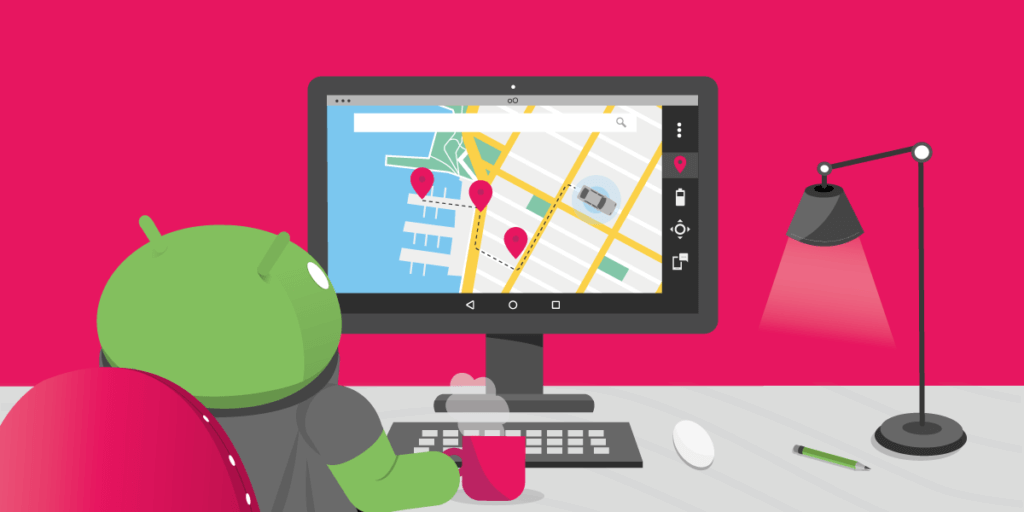
Simulate GPS Movements Using GMTool & Genymotion Shell
This tutorial will tell you how to simulate device location changes. It will explain how to plan a route, generate a script and automatize GPS movements.
OpenTable is the leading provider of real-time online restaurant-reservations. Boasting a slick and very user-friendly interface, OpenTable’s Android app has been proudly tested with GMTool. John Krause, OpenTable’s Senior Automation Engineer, was kind enough to share his experience with us.
Access to our SaaS solution and use virtual machines in the cloud on any web browsers.
Or
Or
Access to manage your Genymotion Desktop licenses, your invoices and account information.

Genymotion Desktop for personal use is not suitable for trial or POC: you will not get any assistance and some features will be disabled. If you have already selected “personal use” and wish to get a trial license, please contact our Sales at [email protected].
Technical support is not available with Genymotion Desktop free edition for personal use. For more details, please refer to Genymotion conditions of use (Personal Use).
The following features are not available in personal use mode:
Follow these steps to get Genymotion Desktop and activate personal use mode:
This plan is strictly reserved to individual workers (freelancers, self-employed).
The Educational plan is restricted to:
It is subject to valid proof (student card, teacher card, etc.)




