
Buckle your seat belt and start your engine! Android Automotive virtual devices (AAOS 14) are now officially available on Genymotion SaaS 🚗
You can now spin up and run Android Automotive OS virtual devices directly in your browser or your CI/CD pipelines!
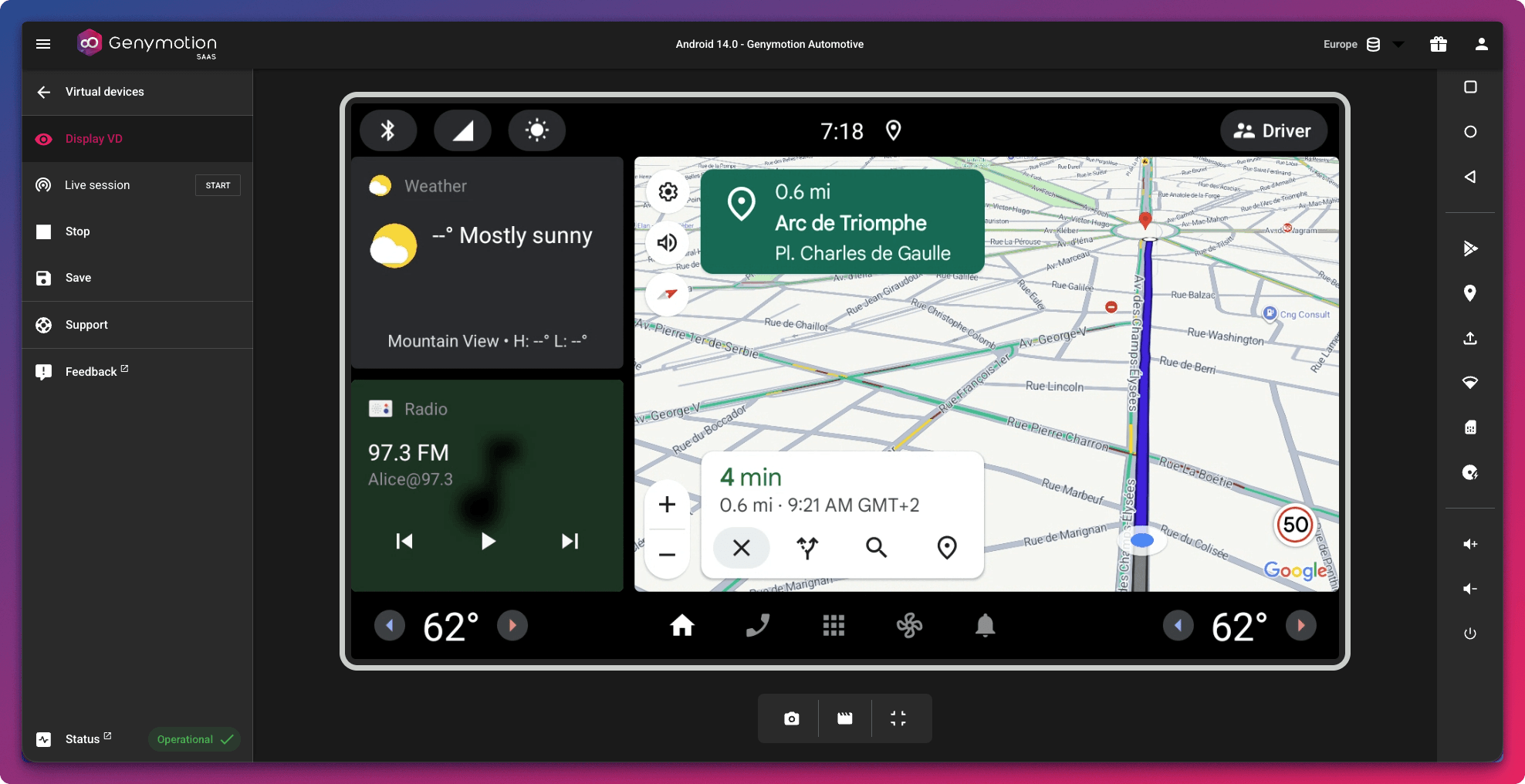
What is Android Automotive?
Android Automotive (AAOS) is a specialized version of Android designed specifically for In-Vehicle Infotainment (IVI) systems. It requires developers to adapt their applications to follow strict automotive UI guidelines, ensuring safety and usability on the road.
Developers rarely have a real vehicle or dedicated hardware setup sitting at their desks to test their apps. Our emulator bridges this gap perfectly:
- It provides a fully virtualized automotive environment that behaves as much as possible like a real vehicle.
- It features a customizable Vehicle Hardware Abstraction Layer (VHAL) over the gRPC protocol, allowing you to read and write vehicle properties programmatically.
- You can tweak car parameters (speed, fuel, climate) to test how your app responds to various driving conditions.
Combined with our mocking features (GPS, Network and Baseband emulation, etc.), you can easily simulate route-based applications, signal strength drops, or geofencing scenarios without leaving your desk.
A seamless experience in Genymotion
Just like all Genymotion virtual devices, you can interact with your Android Automotive environment directly from your web browser using the Genymotion SaaS UI and widgets, or connect to it via ADB.
But the flexibility doesn’t stop there:
- Automation ready: Looking to scale? You can seamlessly automate your tests or build custom CI/CD workflows using our command-line tool, gmsaas, or our HTTPS APIs.
- Desktop integration: You can easily access and interact with your Genymotion SaaS Automotive template directly from the Cloud tab in Genymotion Desktop.
To help you hit the ground running, we also have a step-by-step tutorial on how to dynamically change vehicle properties to jump start your automotive testing workflows.
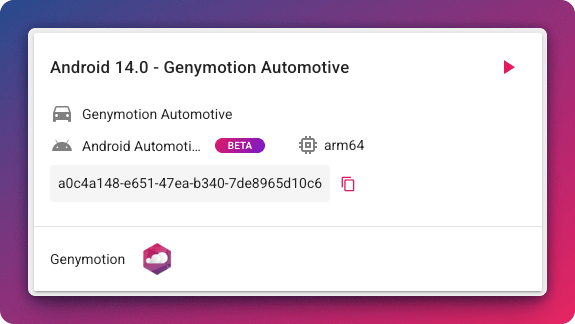
Starting a virtual vehicle is just a few clicks away. Here is a sneak peek at what the Genymotion Automotive recipe looks like to start your first Automotive virtual device:
What’s next?
Head over to Genymotion SaaS to start your virtual device with Android Automotive (AAOS 14) today!
Note: If you have specific version or feature requirements, require a custom hardware configuration, or need a tailored solution for your own Automotive OS, contact us to discuss your requirements. We would love to help you build the perfect Automotive environment for your project!
Thank you for being part of this journey with us! We can’t wait to hear your feedback on this new release.







