Fotobot x Genymotion x Fireshot

I am excited that our Customers can begin to auto-curate their photos from their inner circle of friends and colleagues using our zero-touch solution. This is made scalable and efficient thanks to Genymotion Android environments.

Geoff Hughes

Regional Director at Fireshot Pte. Ltd.

The Challenge

Fotobot customers using Fireshot, are too busy to store their photos and neatly arrange photo albums. The ones you take are lost among the thousands in your devices and online storage platforms. What Fireshot needed is zero-touch curation, which controls and provides secure access for photo-sharing and streaming the photos into digital photoframes. Additionally, there is no easy way to integrate WhatsApp photos into a photoframe with customers having a lot of photos being shared but not necessarily saved or stored. Providing a service to do this needs to scale and render high graphic images across multiple devices.

The Solution

Working with Genymotion on AWS EC2 and Graviton, Fotobot automates storing each customer’s photos from their WhatsApp groups to Google Photos, each day. Customers can also use this to stream to auto-curate content to digital photoframes with zero-touch.

Outcomes

Privacy is paramount. Login with Google allows permission only to create 2 albums – Portrait and Landscape for the saving of photos. This ensures that power users are able to test the Fireshot service without any risk to their precious family or enterprise albums.
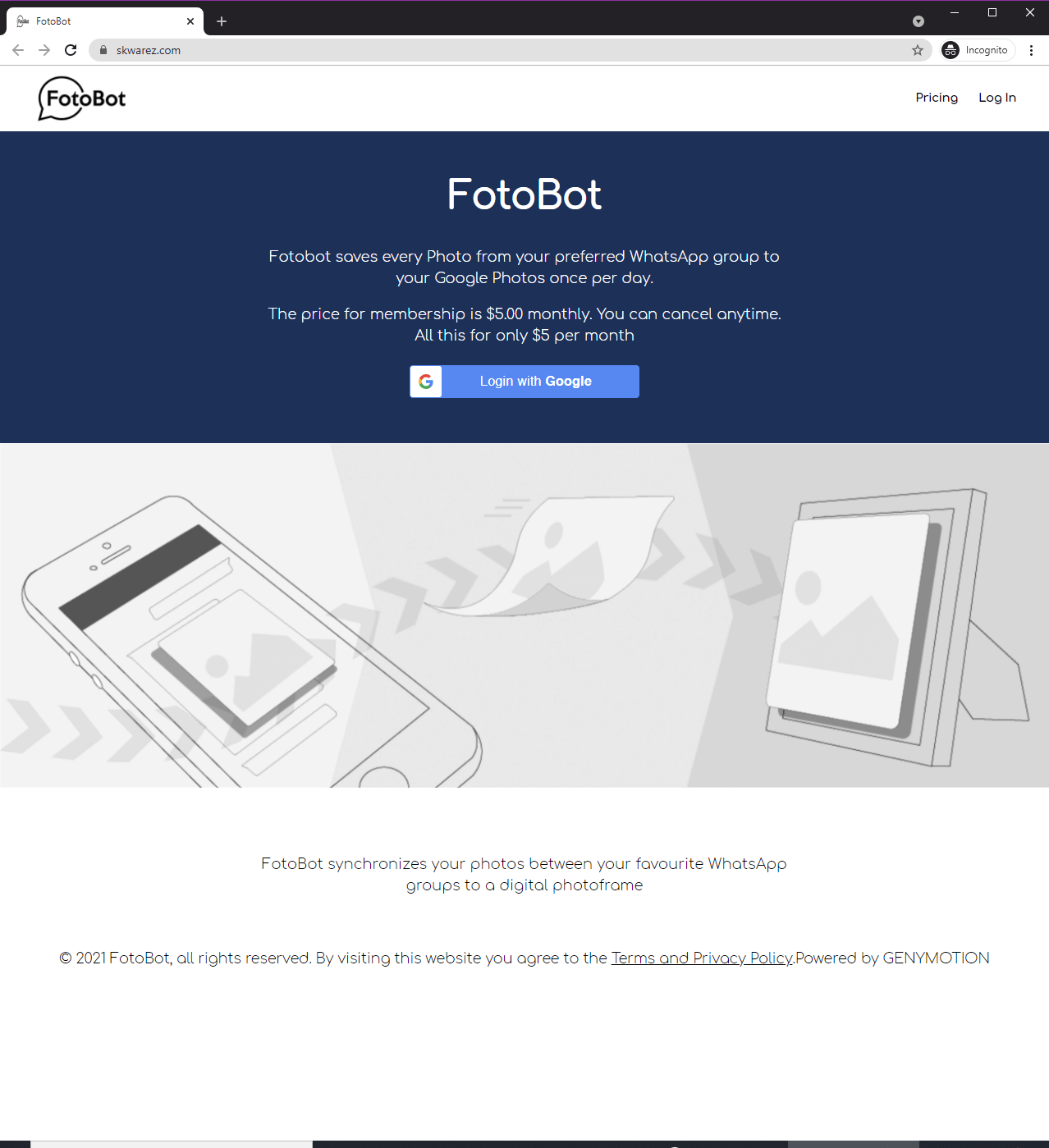
What does it look like?

Inside Genymotion, Fireshot runs a series of applications to gives stream the content from WhatsApp:

Finally the result: a zero-touch stream from Genymotion of perfectly auto-curated photos arriving in Google Photos a few moments after being delivered on WhatsApp…

Final result

…and on an hourly basis, arriving on the digital frame.

What’s next?

Scale

Thanks to Genymotion on AWS we can apply our technology at scale:

Scroll to Top

Select Product Portal

SaaS Platform

Access to our SaaS solution and use virtual machines in the cloud on any web browsers.

Or

Or

Desktop Platform

Access to manage your Genymotion Desktop licenses, your invoices and account information.

How to get a quote for multiple Business Licenses?

  1. You need a Genymotion Desktop account. If you haven’t one yet, you can create it here.
  2. After creation and activation, or if you already have an account, follow this link.
  3. Add the number of desired licenses to your shopping cart and click “Continue to Billing”
  4. Add a shipping address, or select one if you already created one.
  5.  In the next page, click “Get a quote”:
    Payment details
  6. A quote will be automatically generated in PDF format.

Genymotion Device Image for Cloud providers
- Private Offer -

Genymotion Device On-premise
- Contact Us -

Genymotion SaaS
- Increase Maximum Simultaneous devices -

Genymotion SaaS Enterprise Plan
- Get a Quote -

Genymotion SaaS Premium Plan
- Get a Quote -

Personal Use - Free

Genymotion Desktop for personal use is not suitable for trial or POC: you will not get any assistance and some features will be disabled. If you have already selected “personal use” and wish to get a trial license, please contact our Sales at [email protected].

Technical support is not available with Genymotion Desktop free edition for personal use. For more details, please refer to Genymotion conditions of use (Personal Use).

The following features are not available in personal use mode:

Follow these steps to get Genymotion Desktop and activate personal use mode:

  1. Go to the Download page and get the latest version for your system.
  2. Follow the instructions from Genymotion Desktop quickstart guide to install Genymotion Desktop.
  3. Launch Genymotion and click CREATE to create an account. You should receive an activation email within an hour. If not, make sure to check your spam.
  4. After activating your account, return to Genymotion and log in with your credentials.
  5. Select personal use when prompted.
  6. Read Genymotion Desktop quickstart guide carefully to setup Genymotion for your needs.

Indie Plan Application Form

This plan is strictly reserved to individual workers (freelancers, self-employed).

Contact Sales
- Premium Plan -

Educational Plan Application Form

The Educational plan is restricted to:

  • schools, teachers or students who wish to use Genymotion Desktop for tuition
  • students who wish to use Genymotion Desktop for a school project

It is subject to valid proof (student card, teacher card, etc.)

Select a Cloud provider Marketplace




